HomeMaxx Field Tool

REP LOGIN
-
0
sq ft under air
Insulation
0
sq ft
Radiant Barrier
0
sq ft
BUILDING SECTIONS (TAP TO INCLUDE/EXCLUDE)
Step 1
Customer Info
Please fill in the required fields.
Appointment
Customer
Step 2
Property Info
If you used the property lookup on Step 1, these fields are auto-filled from the county property appraiser. Verify everything looks correct — tap any field to edit.
Structure
Age
Step 3
Customer Questions
Tip: If they're not sure: "What's your lowest bill in the winter?" and "What's your highest bill in the summer?"
If yes, management will be notified for follow-up.
Step 4
Attic Assessment
Take a wide-angle photo from the attic access point first. Then check each condition below and note what you find.
Conditions Found
R38 Insulation
At least 12" of blown insulation
Radiant Barrier
Foil on roof decking or rafters
Ducts Sealed
Mastic or sealant on joints
Notes
Step 5
HVAC Assessment
Photo the data plate on the air handler and condenser. AI will read model, serial, year and tonnage automatically. At least one Model # and Serial # required.
At least one Model # and Serial # required.
1st Story Unit
Air Handler — 1st Story
Air Handler Label AI reads model, serial, year & tonnage
AIReading...
Scanning label...
Model
Serial
Year
Tonnage
Condenser — 1st Story
Condenser Label Outside unit data plate
AIReading...
Scanning label...
Model
Serial
Year
Type
2nd Story Unit
Skip
Air Handler — 2nd Story
Air Handler Label2nd story unit
AIReading...
Scanning label...
Model
Serial
Year
Tonnage
Condenser — 2nd Story
Condenser Label2nd story outside unit
AIReading...
Scanning label...
Model
Serial
Year
Type
Step 6
Presentation
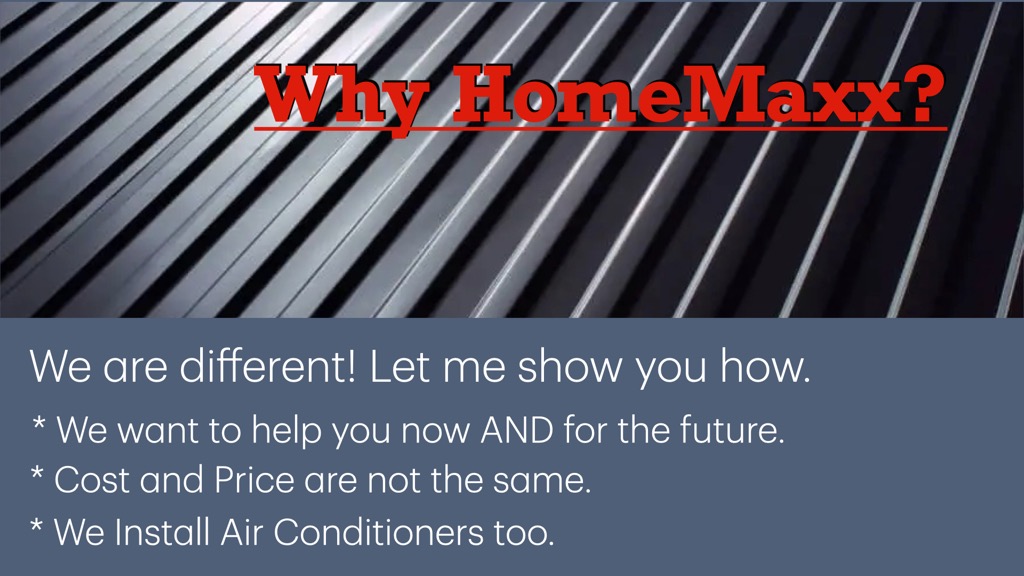
Why HomeMaxx?
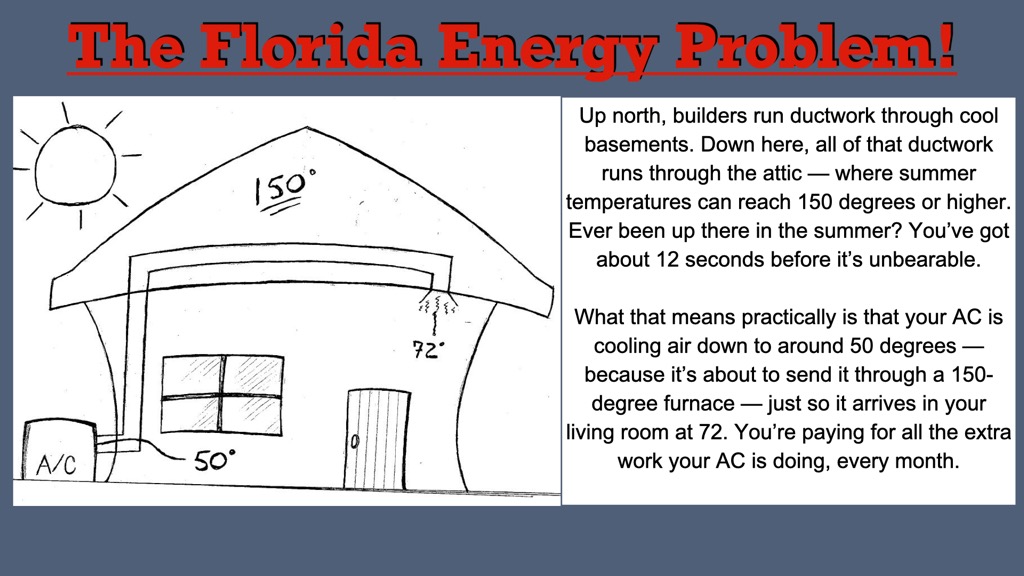
The Florida Energy Problem
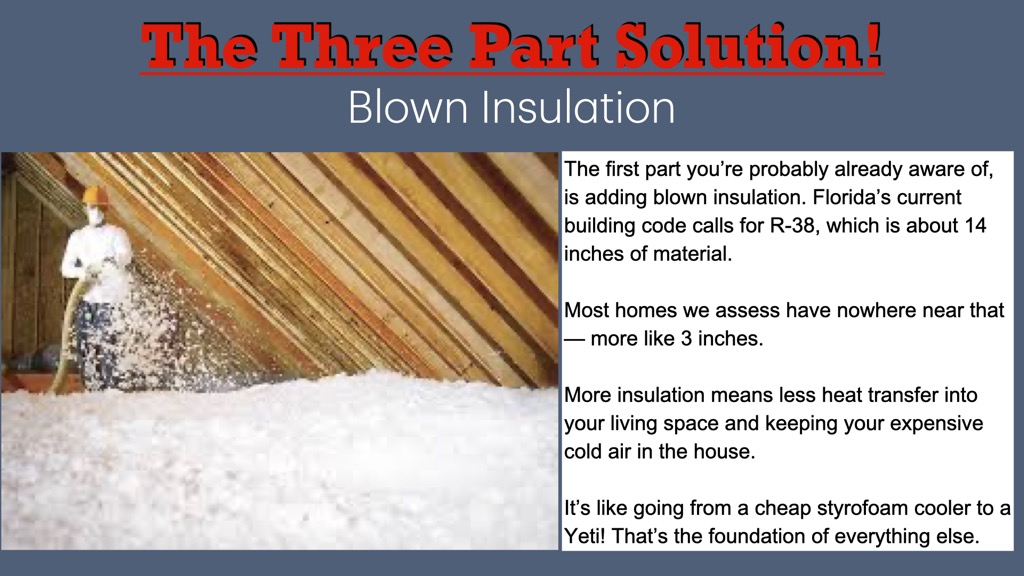
Blown Insulation
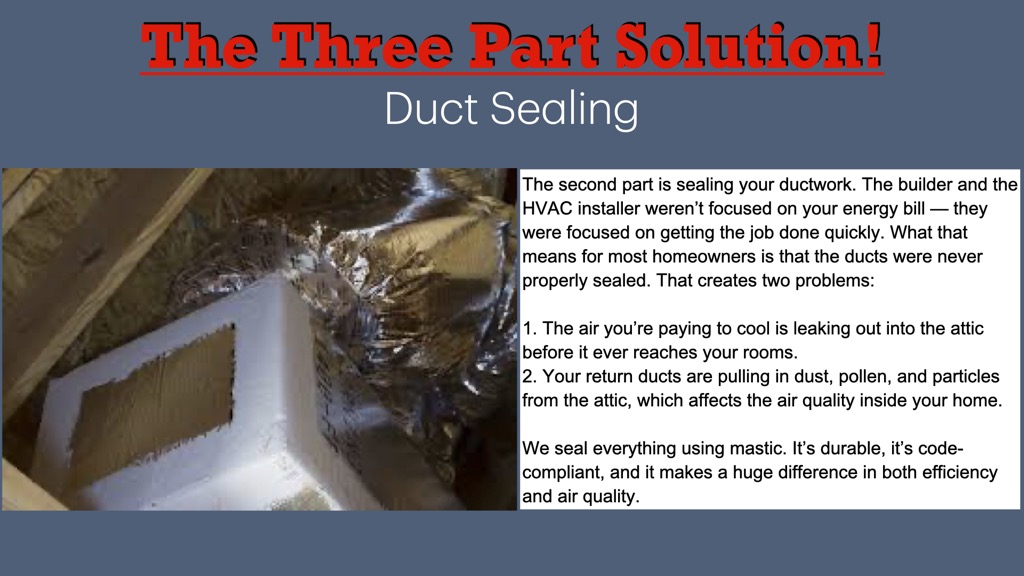
Duct Sealing
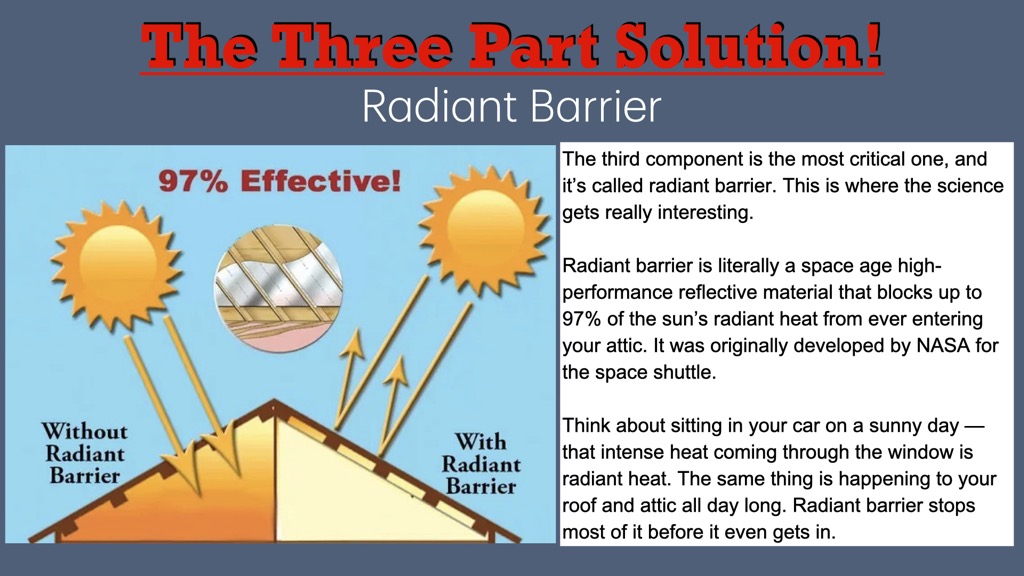
Radiant Barrier
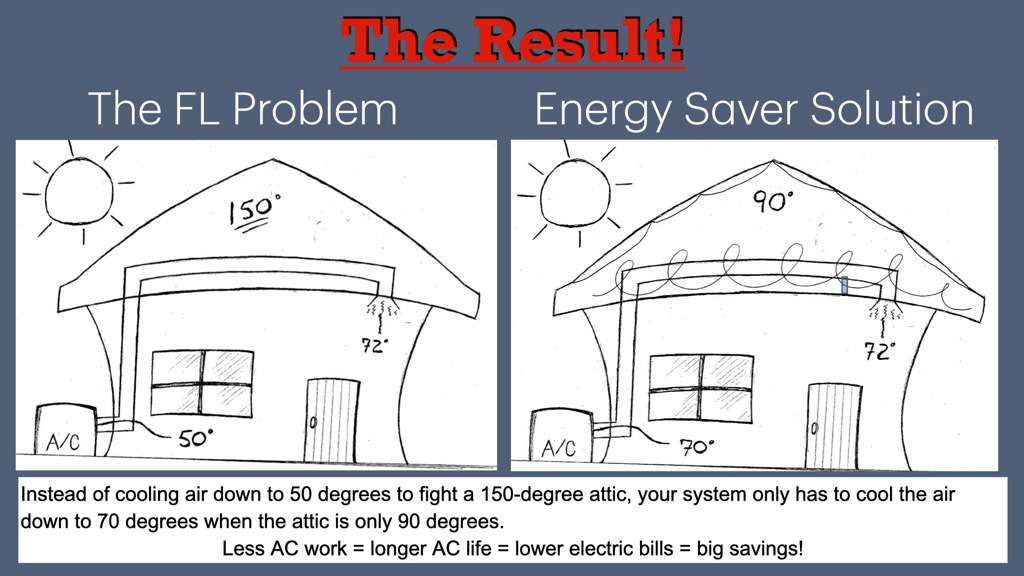
The Result
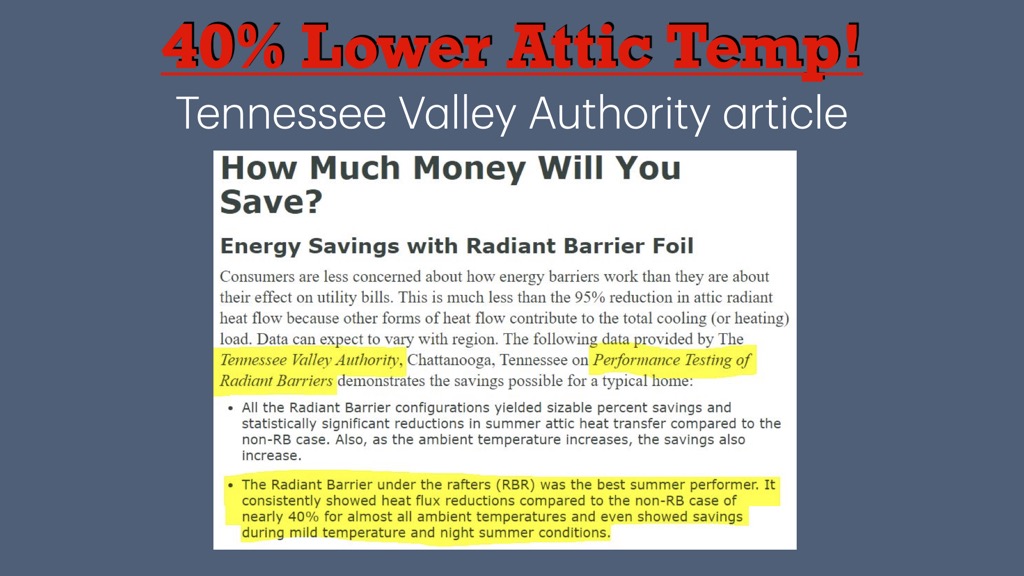
40% Lower Attic Temp
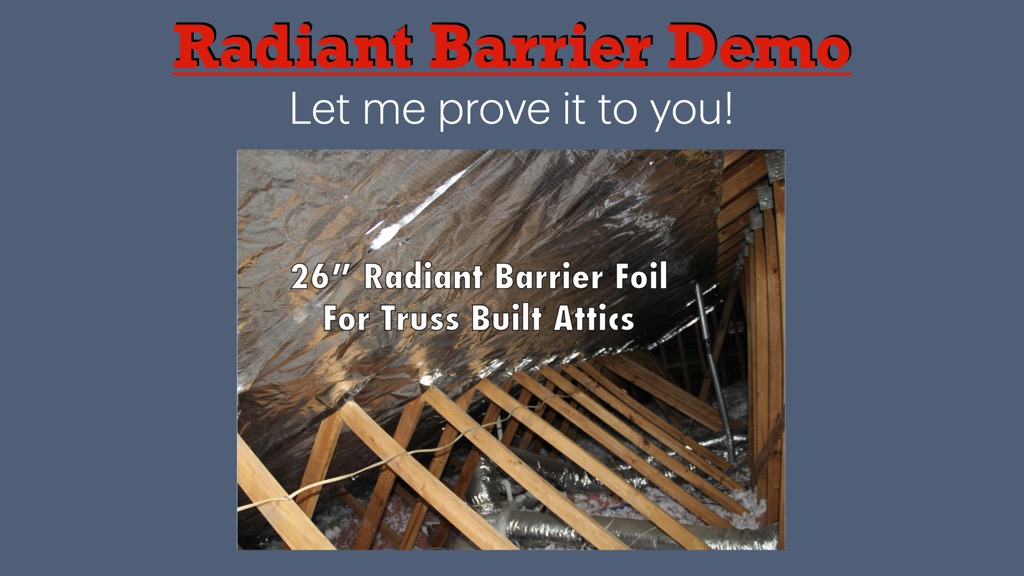
Radiant Barrier Demo
Slide 1 of 8
Tap slide to present fullscreen
1 / 8
Step 7
Pricing
Finance Plan: Service Finance 15yr @ 9.99%
Service Finance — 15yr
9.99% · 180 months · Plan 4107
0.0107
Service Finance — 10yr
9.9% · 120 months · Plan 4132
0.0133
Ygrene — 15yr
8.49% · 180 months
0.0125
Ygrene — 10yr
8.49% · 120 months
0.0158
Ygrene — 20yr
8.49% · 240 months
0.0110
Step 8
Proposal
Customer Name
Step 9
Rep Notes
Notes
Appointment Outcome
Property Photos

Capture photos of insulation, ductwork, attic, data plates, or anything relevant.

Assessments

Welcome
What would you like to do?
🏠
Property Lookup
Start a new assessment or continue an existing one
👥
Customers
Search & manage your customer database
Log Out
Contacts
Contact name Phone Email Created Last activity Tags
New Contact
Notes & Activity

Admin Settings

Rep Management

NameEmailRoleAction

Additional Emails for Paperwork

Choose which emails each person receives.

App Mode

When ON, the app becomes a pure property & sqft lookup — the assessment wizard, pricing, and proposal are hidden. Reps go straight from address search to property data. Use this for sqft-only field work.

Promo Toggles

Built-in and custom promos. Custom promos can carry their own fields (e.g. expiration date, terms).

Pricing — Energy Saver

Pricing — Energy Saver+

Dynamic Pricing

When enabled, per-sqft rates auto-adjust so each package hits the target monthly out-of-pocket. Rates stay within the min/max limits below.

Finance Plans

Custom Fields

Create custom fields to capture extra info on contact profiles. Organize fields into sections, or add them to the built-in Contact/Address/Details sections.

Tags

Create and manage labels for contacts that help you organize data and run automations.
Tag nameCreated onUpdated onActions